
360 video booth software: edited automatically, straight to the guest's phone
PixsBooth is software for photo booth operators: you subscribe and run it at your clients' events. Guests step onto the platform, the arm circles them with the phone, and PixsBooth edits the video: slow motion, music, an animated title and a frame in the event's colors. The guest scans a QR code and gets it, ready to post.
- 100 free AI creations
- No credit card
- Hebrew, French, English
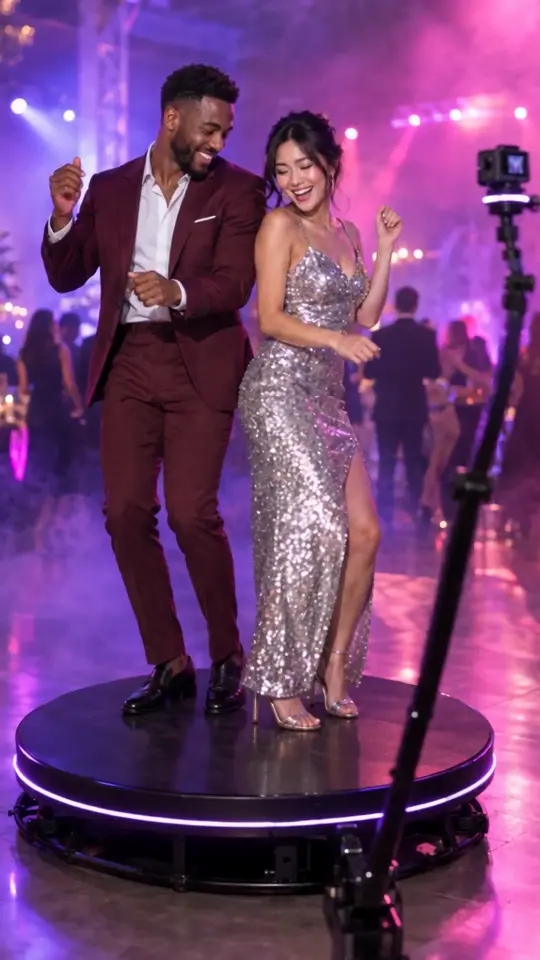
An edited video, no editor needed
Automatic editing
Five pacing styles to choose from: Natural, Classic, Dramatic, Boomerang or Energy.
In the event's colors
9:16 or 16:9 frame, animated title, intro and outro, flash, slow zoom and vignette effects.
On their phone in seconds
The QR code appears right away; the edited video lands on the same link a few seconds later.
Ready for social
Vertical, horizontal or both, with the music you picked for the event.
From the platform to their phone
- Guests step onto the platform.
- Recording starts: the arm spins and the preview music plays.
- The video uploads in about 12 seconds.
- The QR code shows up right away, and the edited video lands on the same link a few seconds later.
Tech specs
- File
- MP4 video
- Format
- Vertical 9:16, horizontal 16:9 or both
- Capture length
- One arm rotation: 8 to 12 seconds, set to match the speed
- Sharing
- QR code, text, email, AirDrop or WhatsApp
- Archive
- A copy of every video in Dropbox, if you turn it on
- Printing
- None: video only
Only use music you have the rights to: these videos are made to be posted on social media.
The video everyone shares
Free exposure
Every video a guest posts carries your client's and the event's branding.
No video editor
Everything is automatic, even at the peak of the night: you just guide the guests.
A pace for every event
Energy or Boomerang for a party, Classic or Dramatic for a wedding.
Corporate events
Launches, trade shows, conferences, team days: the company's logo and colors in every video employees share.
Questions about 360 video
What do I need to run 360 video?
A 360 platform with a rotating arm and a phone mounted on it. PixsBooth records, edits and sends the video.
How fast does the guest get the video?
The QR code appears right away. Upload takes about 12 seconds, then the edited video lands on the same link a few seconds later.
Can I choose the music?
Yes, you pick a soundtrack for each event. Only use music you have the rights to.
Can the 360 video be printed?
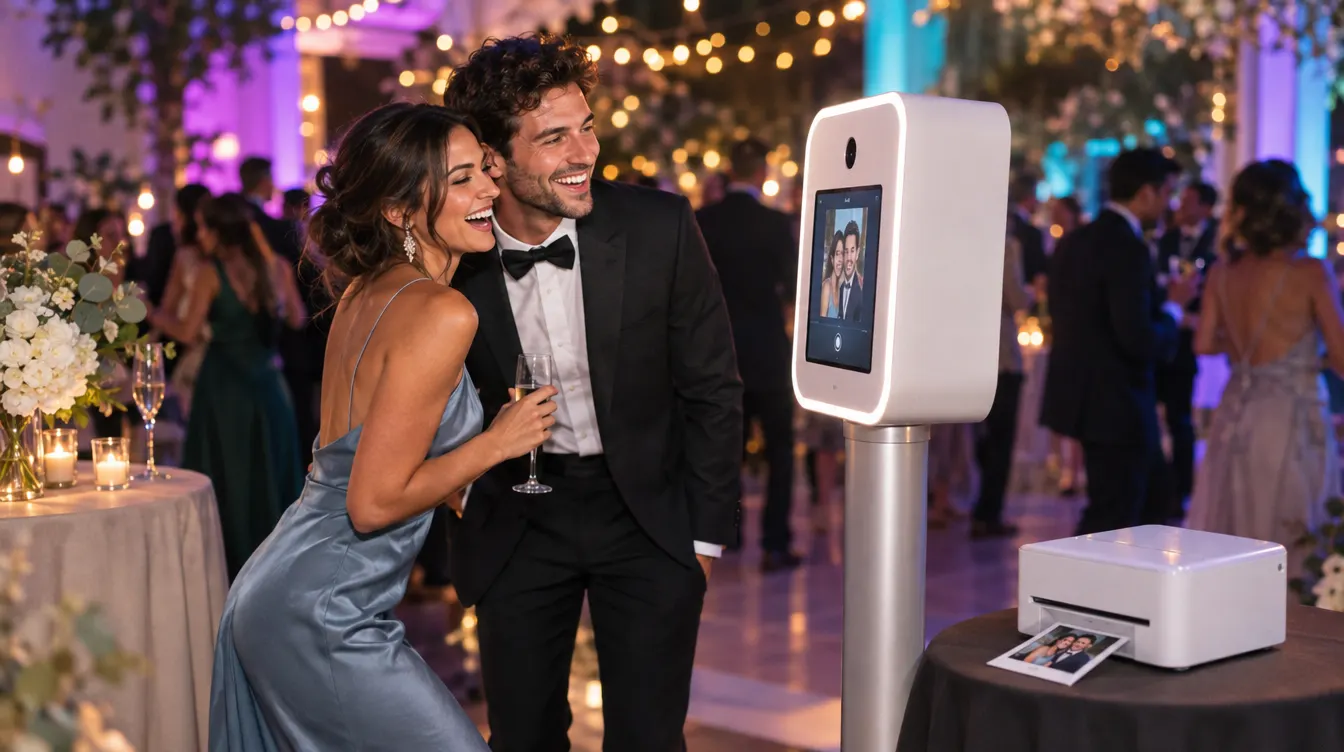
No. 360 video produces a video only, sent to the guest's phone.
The video cuts off before the rotation ends. What do I do?
Increase the capture length in the Editing room: a rotation takes 8 to 12 seconds depending on the arm's speed.
Try it at your next event
Create your account, set up an event and connect the iPad with a 6-digit code. 14-day trial, 100 AI creations included, no credit card.