iPad photo booth software for weddings and events, with studio-grade tools
PixsBooth is software for photo booth operators: you subscribe and run it at your clients' events. Guests pick a format, take 1 to 4 photos and leave with a print in the event's template, ready in seconds. No AI touches the photo, so the photo booth is unlimited and never counts as a creation.
- 100 free AI creations
- No credit card
- Hebrew, French, English
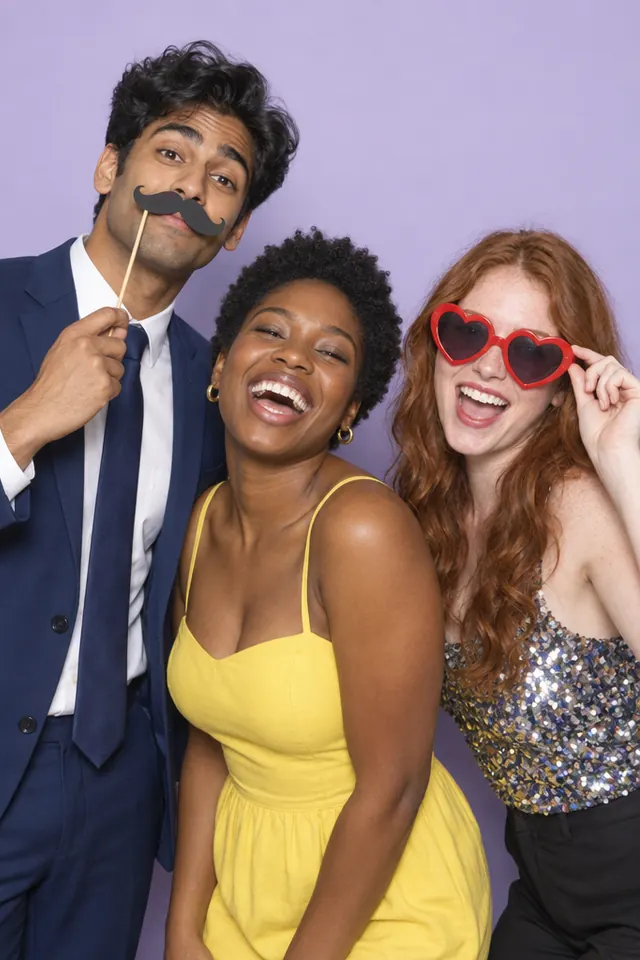
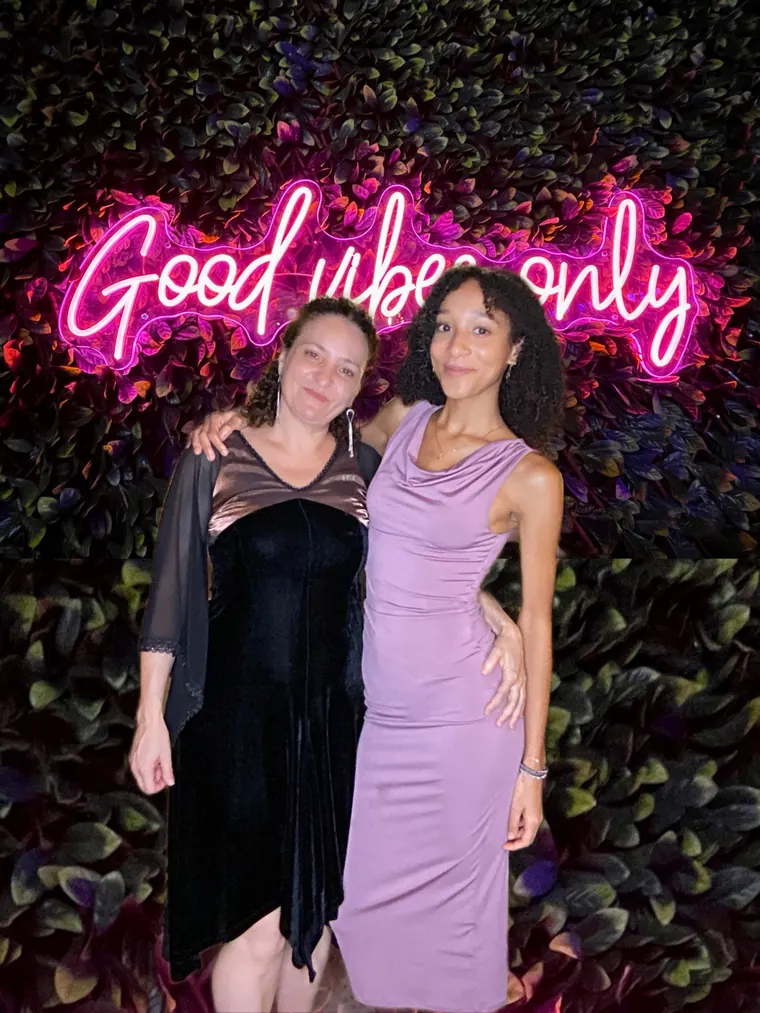
Noa & David11.14.2026
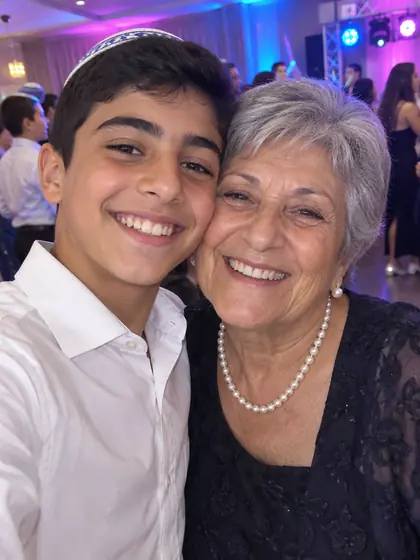
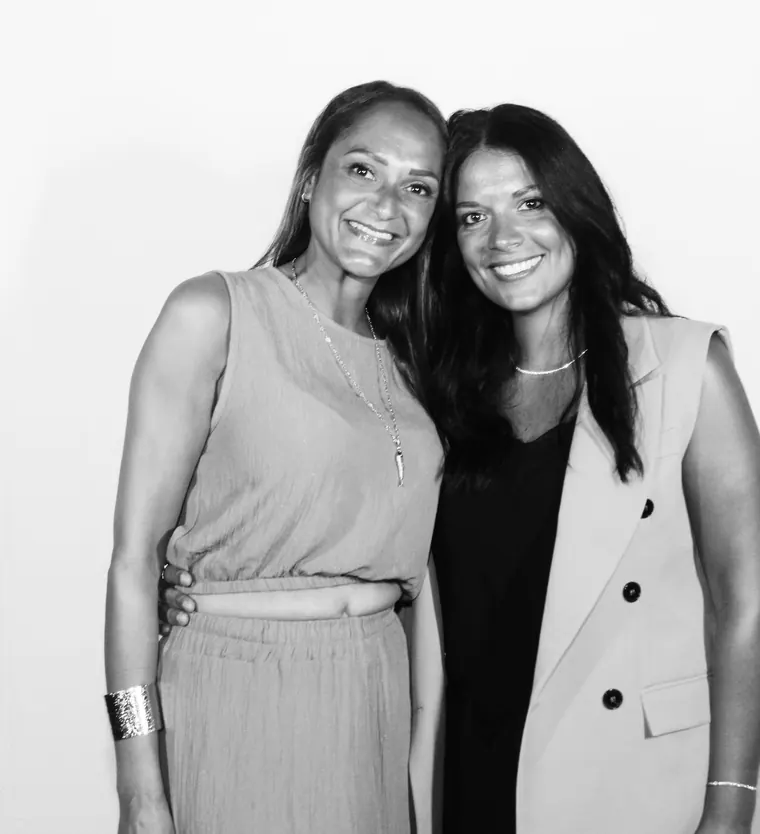
Noa & David
Everything a photo booth should do
Every format
Portrait 4×6, landscape 4×6, 2×6 strip of 3 photos, 4-photo grid, or your own templates. 48 ready-made templates, and an editor to make your own in the client's colors.
A studio look
Beauty filter (Natural, Light or Strong), 9 photo filters, and a photographer retouch with no generative AI: faces stay the same.
A show at the booth
Countdowns in 9 styles (3, 5 or 10 seconds) and 12 after-photo animations: flash, polaroid, confetti, fireworks…
AI frames
Decorative frames designed for the event, placed around the photos. Guests swipe through and pick their favorite.
From photo to print in seconds
- The guest picks a format: portrait, landscape, strip or grid.
- They take 1 to 4 photos depending on the format, each with a countdown.
- After each photo, a review screen: "Retake" or "Perfect".
- The result is ready in about 6 seconds, and they pick a frame.
- They choose the number of copies and print, or get the photo by QR code, text, email or AirDrop.
Tech specs
- 4×6 sheet on a DNP or HiTi photo printer
- 2×6 strip
- Printed twice on a 4×6 sheet, then cut by the printer
- Sharing
- QR code, text, email or AirDrop from the result screen
- iPad
- The booth opens in Safari and pairs with a 6-digit code
- Counting
- Not counted as a creation: unlimited
- Plan
- Included in the free Discovery plan
Photographer retouch requires a paid PixsBooth plan. On Discovery, the photo stays as shot.
The backbone of every event
It keeps the line moving
No AI wait: at peak moments, the photo booth gets guests through fast.
Start without paying
The classic photo booth is free and unlimited, even on the Discovery plan.
One booth, every experience
On the same iPad as AI cards, 360 video and the rest. For each event, you tick what you offer.
A professional look
Beauty filter and photographer retouch: studio-quality photos, even under venue lighting.
Corporate events
Conferences, trade shows, launches, team days: the company's logo and colors on every print and every shared photo.
The event gallery
Every photo goes to the online gallery: a slideshow during the event, then a keepsake for your client.
Questions about the photo booth
Does the photo booth use up creations?
No. It doesn't use AI on the photo: it's unlimited and never counts as a creation.
Which formats are available?
Portrait 4×6, landscape 4×6, a 2×6 strip of 3 photos and a 4-photo grid, plus any templates you design for the event.
Does the strip cut itself?
Yes, if auto-cut is turned on in the printer driver. Two strips come out on one 4×6 sheet.
Do I need to install an app on the iPad?
No. The booth opens in Safari and connects to your account with a 6-digit code.
Does the beauty filter change faces?
No. The beauty filter smooths gently, and the photographer retouch fixes color, light and sharpness with no generative AI. Guests can also turn beauty off.
Try it at your next event
Create your account, set up an event and connect the iPad with a 6-digit code. 14-day trial, 100 AI creations included, no credit card.