
Photo booth printing on DNP, HiTi and Epson: Print Station does it for you
PixsBooth is software for photo booth operators: you subscribe and run it at your clients' events. Install Print Station on the computer connected to your printers, pair it once with a code, and it prints whatever guests ask for on its own, with no print dialog. The iPad never needs to be plugged into the printer.
- 100 free AI creations
- No credit card
- Hebrew, French, English
Your printers, minus the headaches
DNP, HiTi and Epson
A 4×6 photo printer for photos and cards, and an Epson A4 for sheets and coloring pages.
Two printers at once
A main and a secondary printer: the ColorPixs photo and coloring page come out together. Included in the Pro plan.
No print dialog
Prints come out on their own. If the network drops, they wait and print as soon as the connection is back.
Live tracking
Recent prints show up in the dashboard, and a reprint is one click away.
Ready in a few minutes
- Install each printer's driver, then Print Station on a Mac (M1 chip or newer) or Windows 10/11.
- In the dashboard, go to Devices → Connect a Print Station: a 6-digit code appears.
- Enter the code in Print Station and name the computer.
- Pick the main printer, and the secondary one if needed, then print a test page.
Experience by experience
- Photo booth
- One 4×6 photo, or two 2×6 strips cut by the printer
- AI cards
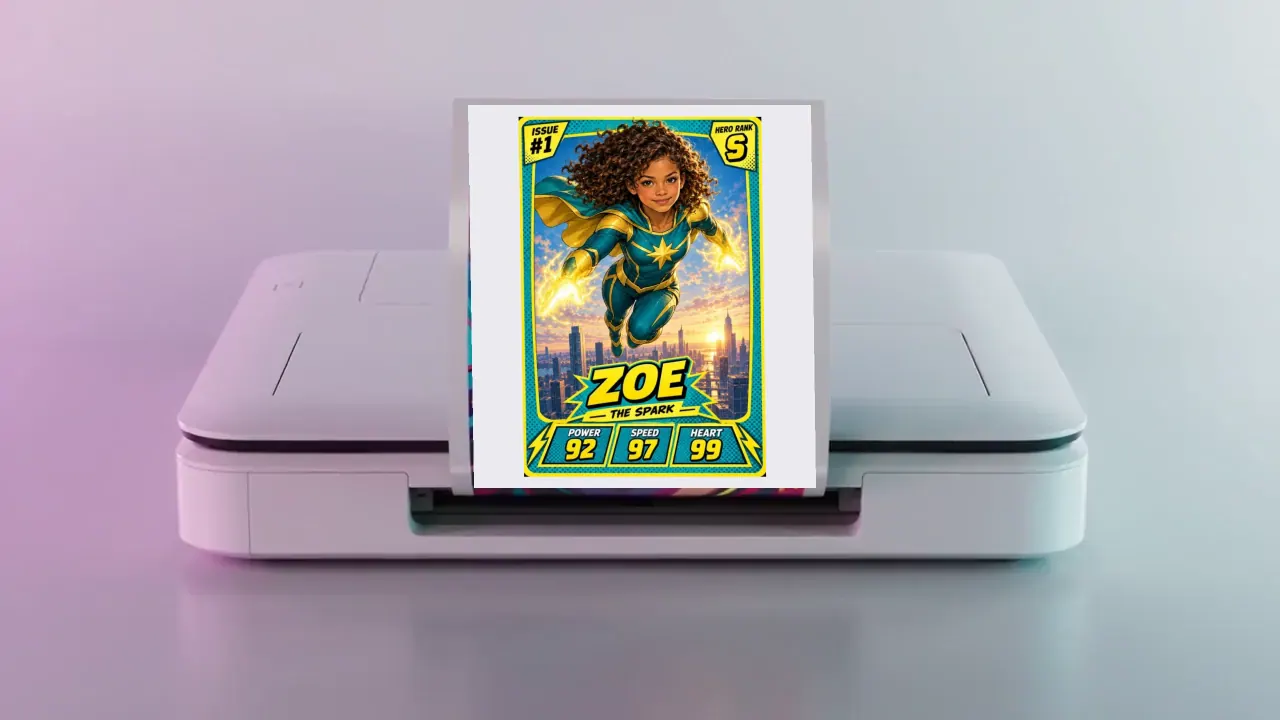
- Two 70 × 100 mm cards (front and back) on one 4×6 sheet
- ColorPixs
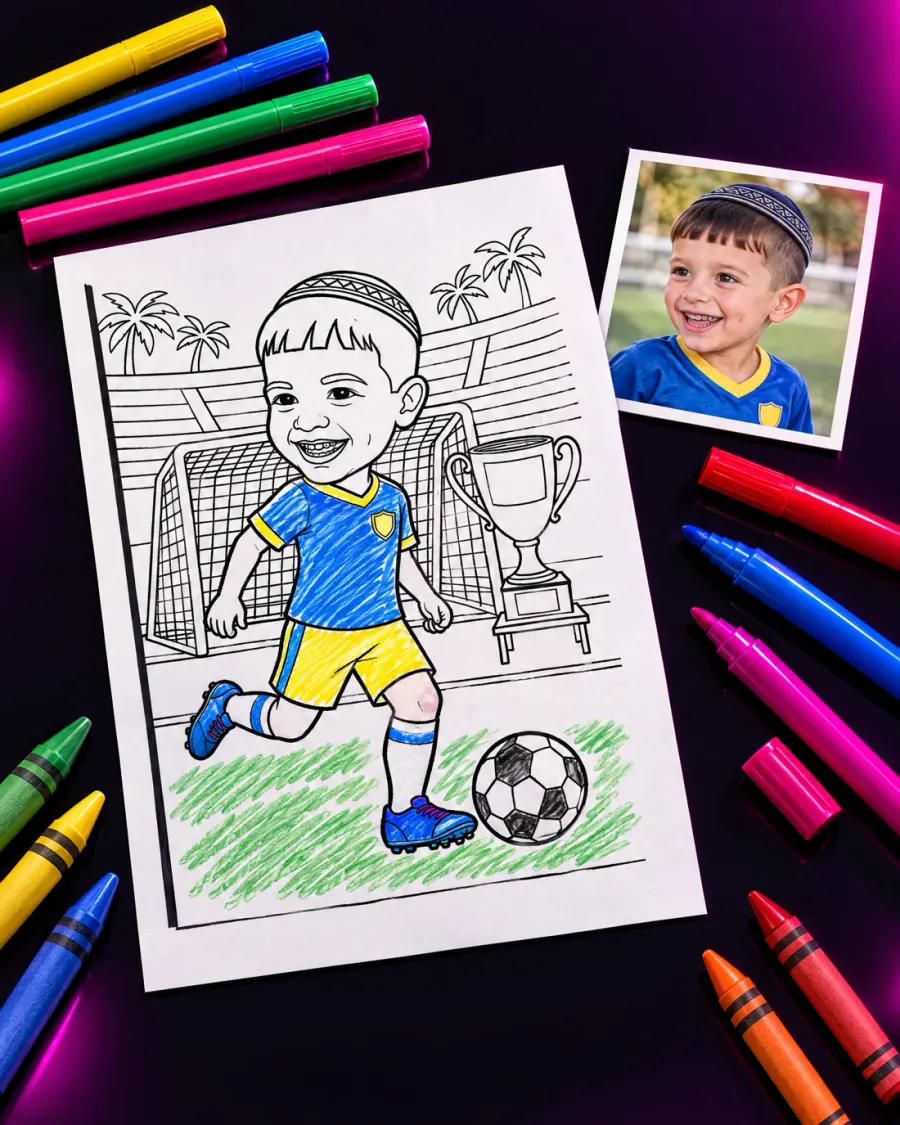
- A 10 × 10 cm photo on the photo printer, and an A4 coloring page on plain paper
- Popixs and Minipixs
- A4 sheets on the A4 printer
- Lenticular
- A full-bleed 4×6 sheet that slides into a lenticular frame
Paper size: always a preset from the driver, 4×6 for DNP (for example 300dnp6x4), P6x4 for HiTi, plain paper in the Epson A4. Never a custom size.
Fewer glitches, more prints
Nobody touches the computer
Guests print from the booth, and Print Station handles the rest.
A cap that matches your stock
Set an event-wide print cap based on the paper you brought, and a per-guest limit if needed.
Remote control
See recent prints and resend a print from the dashboard.
Built for shaky networks
A print stuck by a dropped connection goes back in the queue on its own after 5 minutes.
Questions about printing
Which computer do I need?
A Mac with Apple silicon (M1 or newer) or a Windows 10 or 11 PC, connected to the printers.
Do I need to plug the iPad into the printer?
No. Everything goes through your account: the iPad sends, Print Station prints.
Which paper size should I pick?
Always a driver preset: 4×6 on DNP, P6x4 on HiTi, plain paper in the Epson A4.
What happens if the internet drops?
Prints wait and come out once the connection is back. A print already picked up goes back in the queue after 5 minutes.
Can I use two printers?
Yes, a main and a secondary printer at once, for example a DNP for photos and an Epson A4 for coloring pages. Included in the Pro plan.
How many prints per DNP roll?
About 700 4×6 prints per roll. Always keep a spare roll and ribbon on site.
Try it at your next event
Create your account, set up an event and connect the iPad with a 6-digit code. 14-day trial, 100 AI creations included, no credit card.