


For photo booth operators

The only photo booth, AI card, 360 video and printing software you'll ever need.

AI trading cards, figurines, coloring pages, virtual wall, 360 video: ten-plus experiences on one iPad, printing included. You sell more at every event — and it's your booth they ask for at the next one.

100 free AI creationsNo credit cardHebrew, French, English
The experiences

Every experience. One booth.

This is what the software creates, exactly as your guests receive it: cards, figurines, prints, videos. For each party, you tick the experiences your client picked.

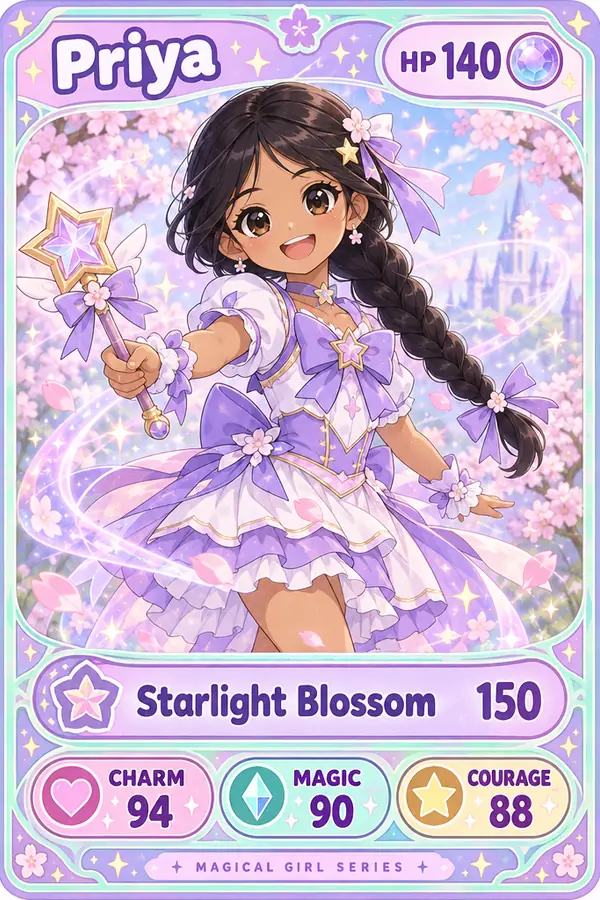
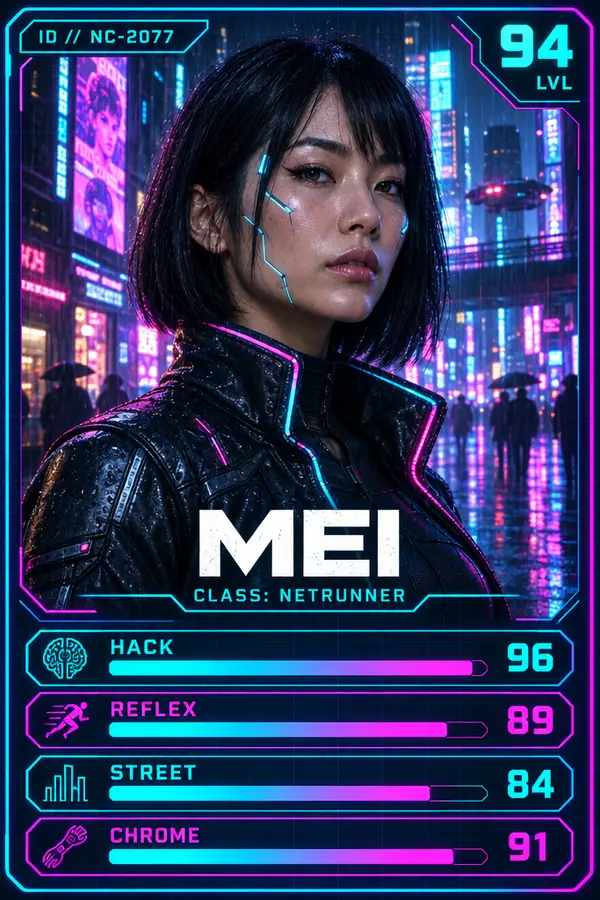
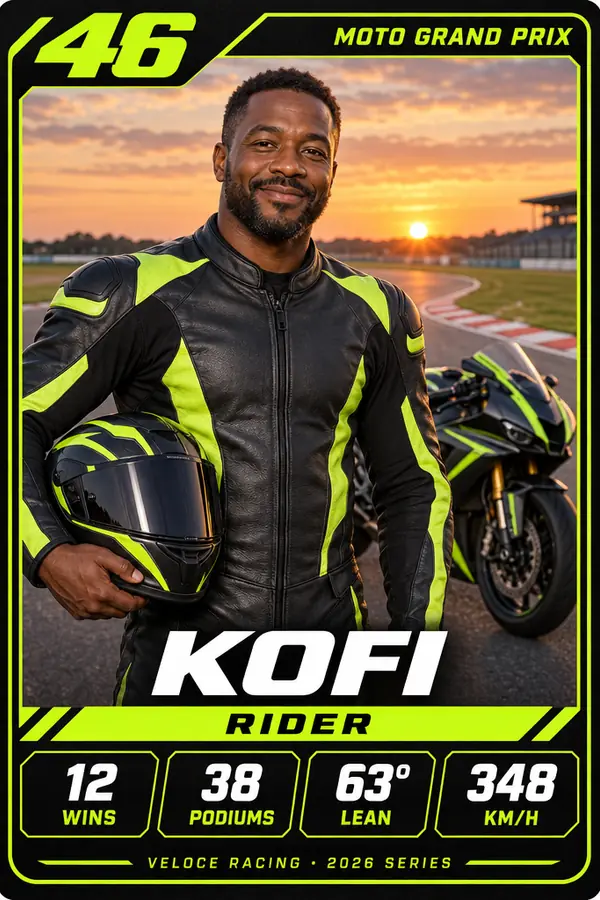
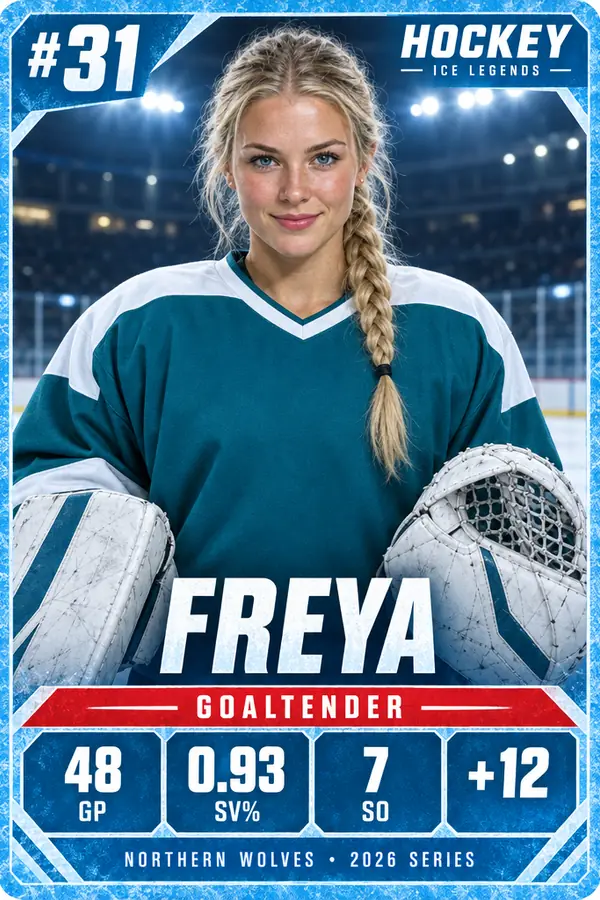
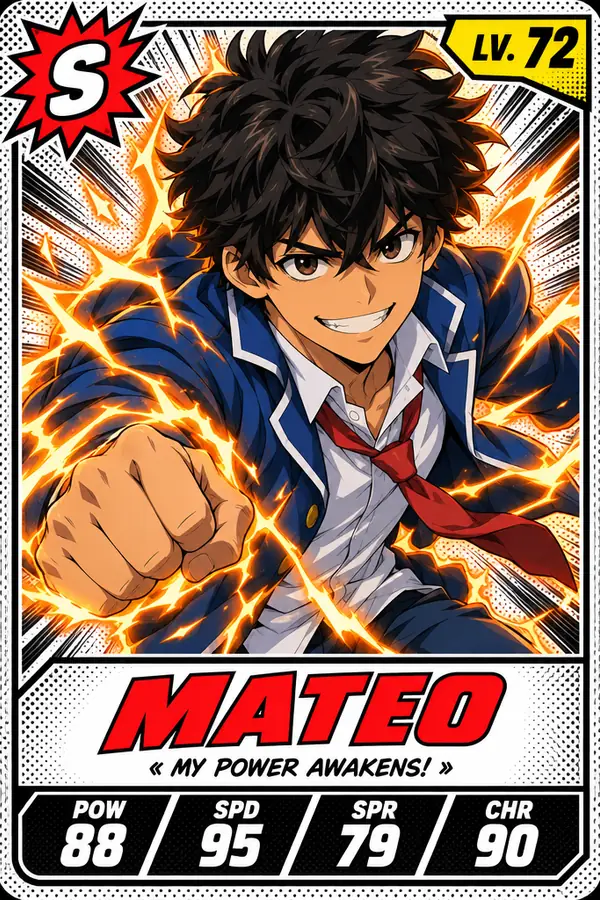
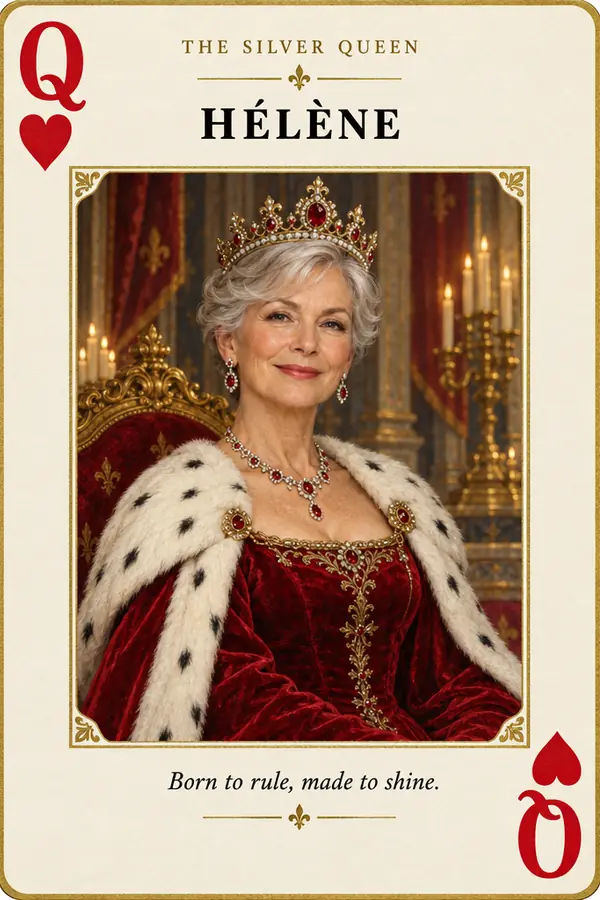
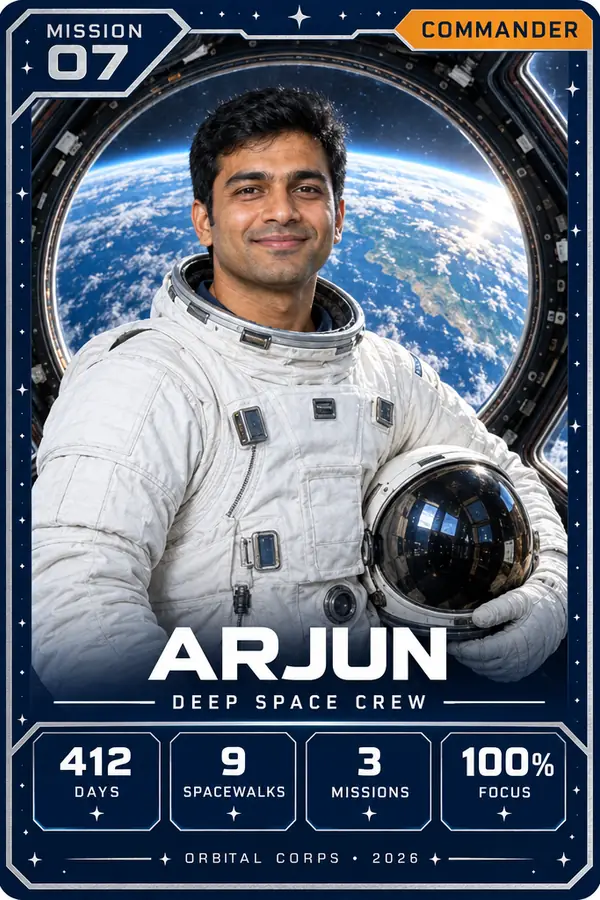
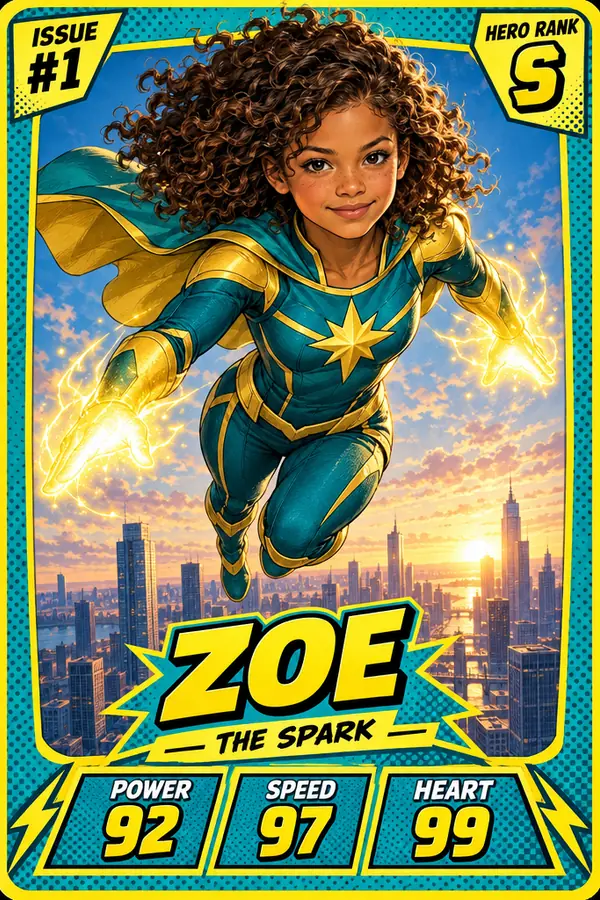
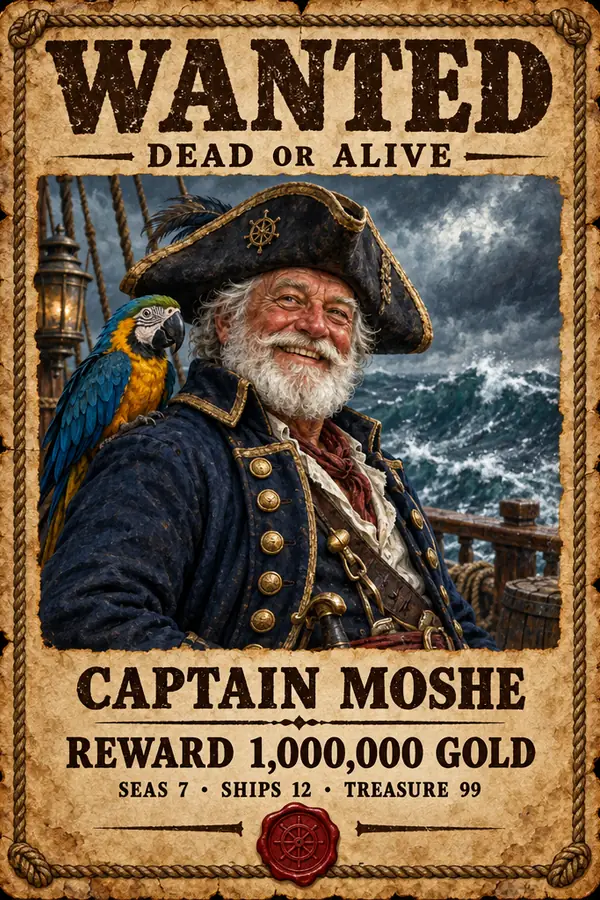
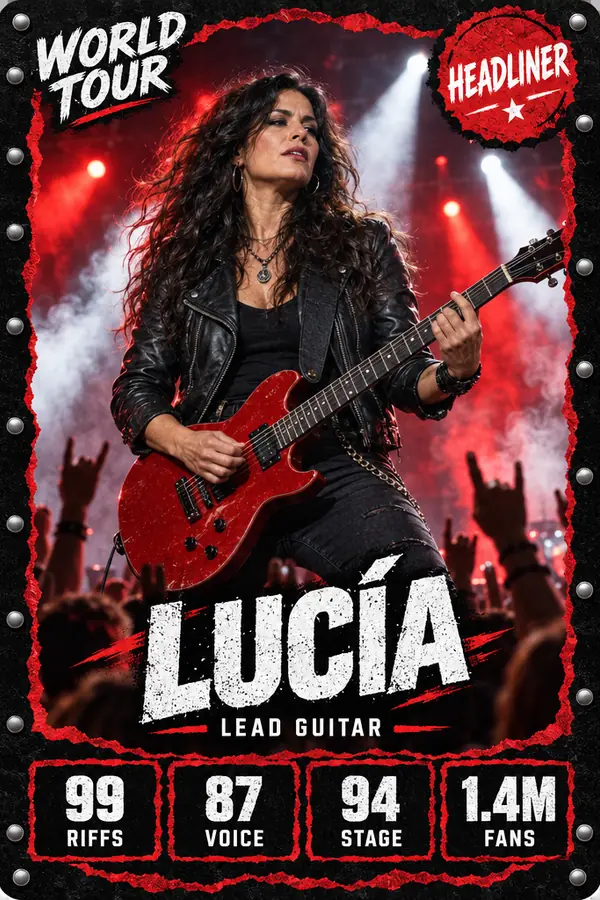
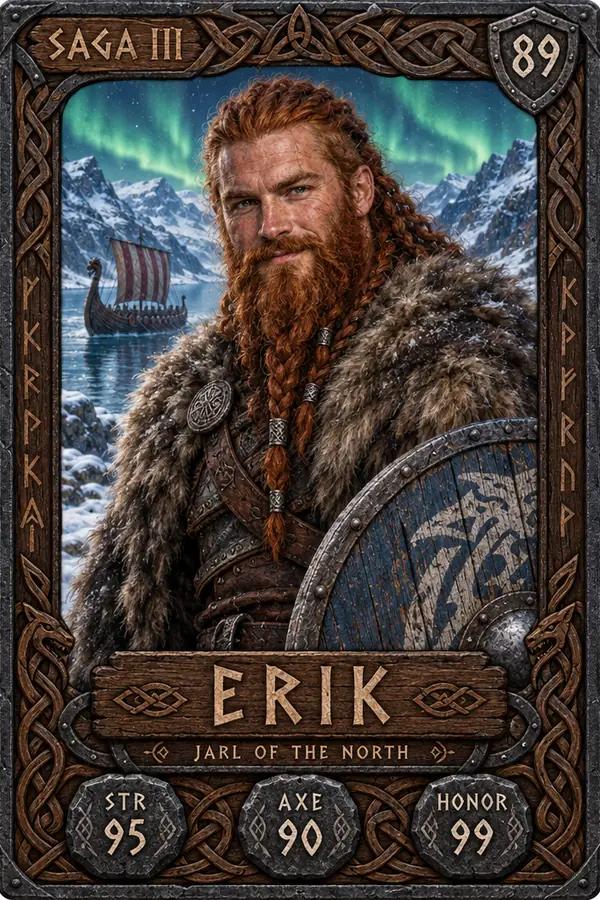
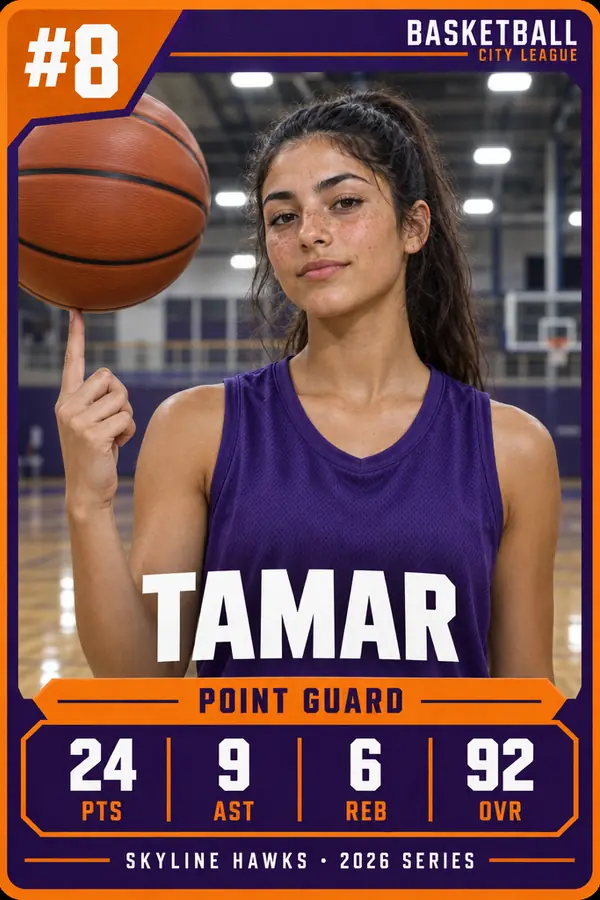
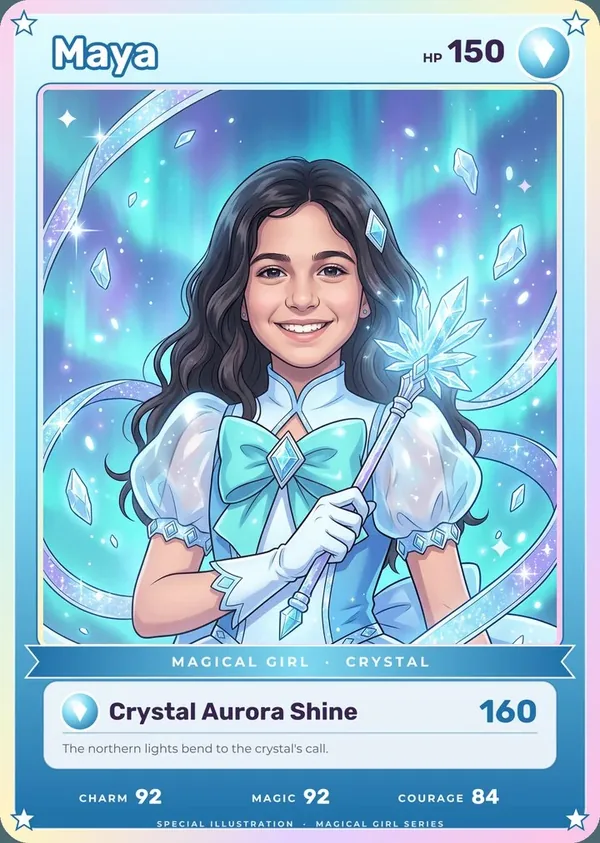
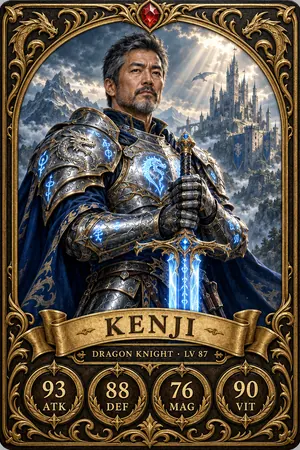
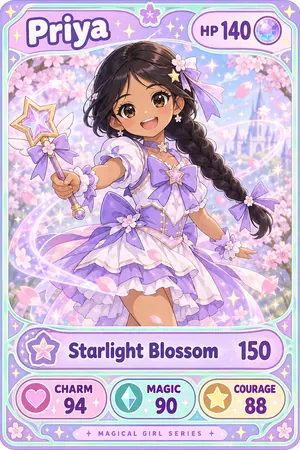
Example cards · fictional faces
01 AI Cards

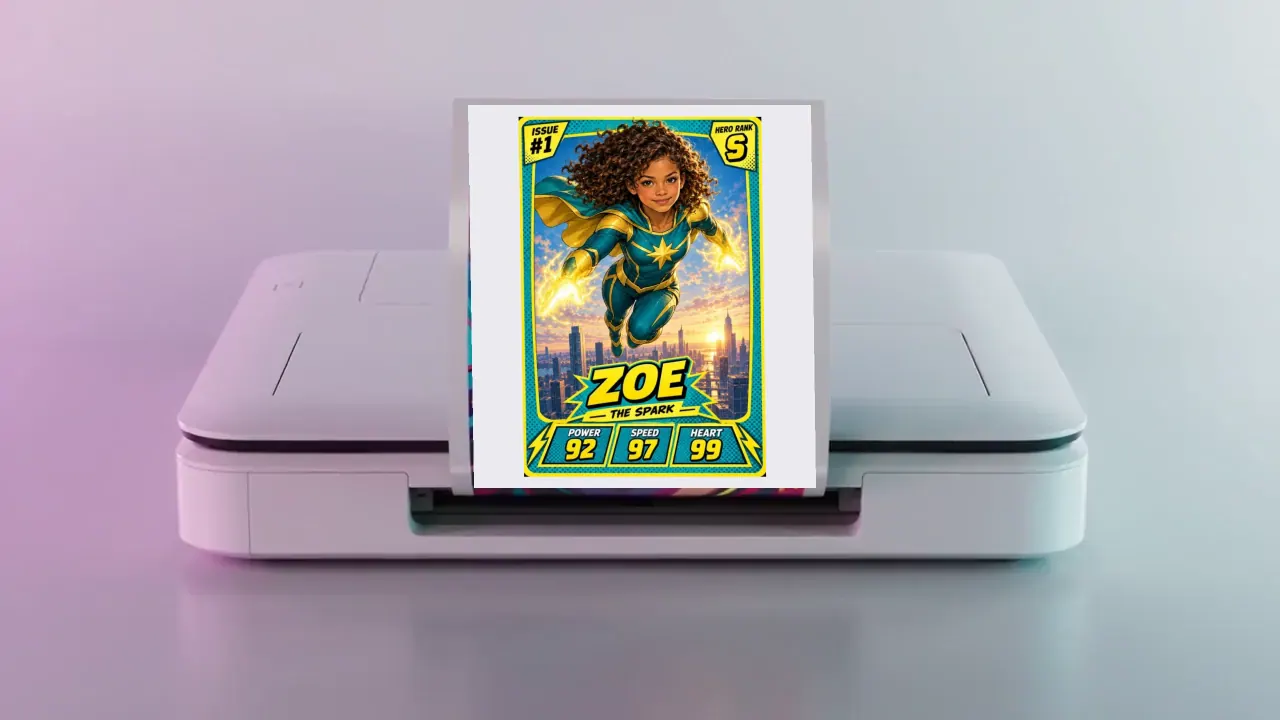
Their very own trading card

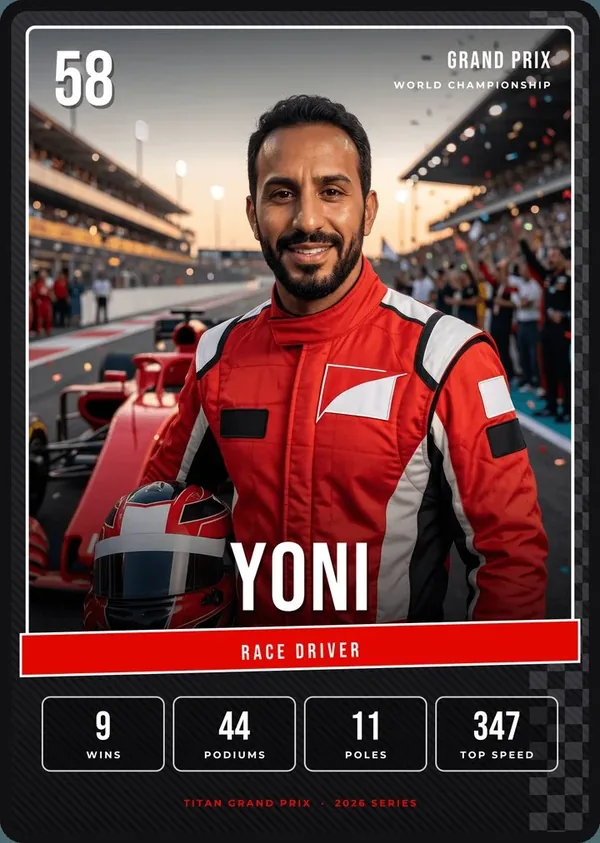
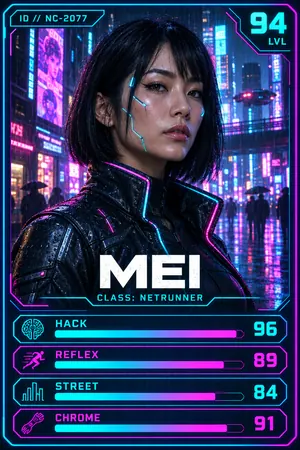
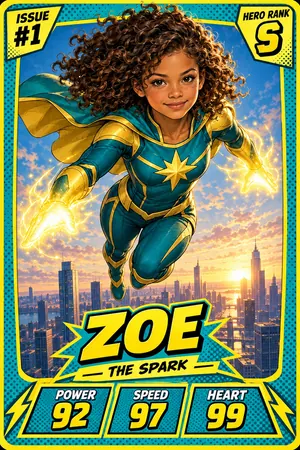
Pop star, knight, racing driver, anime hero: the guest picks a theme, the AI keeps their real face and writes their name, and the card prints on the spot. Their face on the front, your brand on the back.
Printed · upsellAll plans
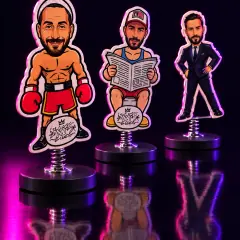
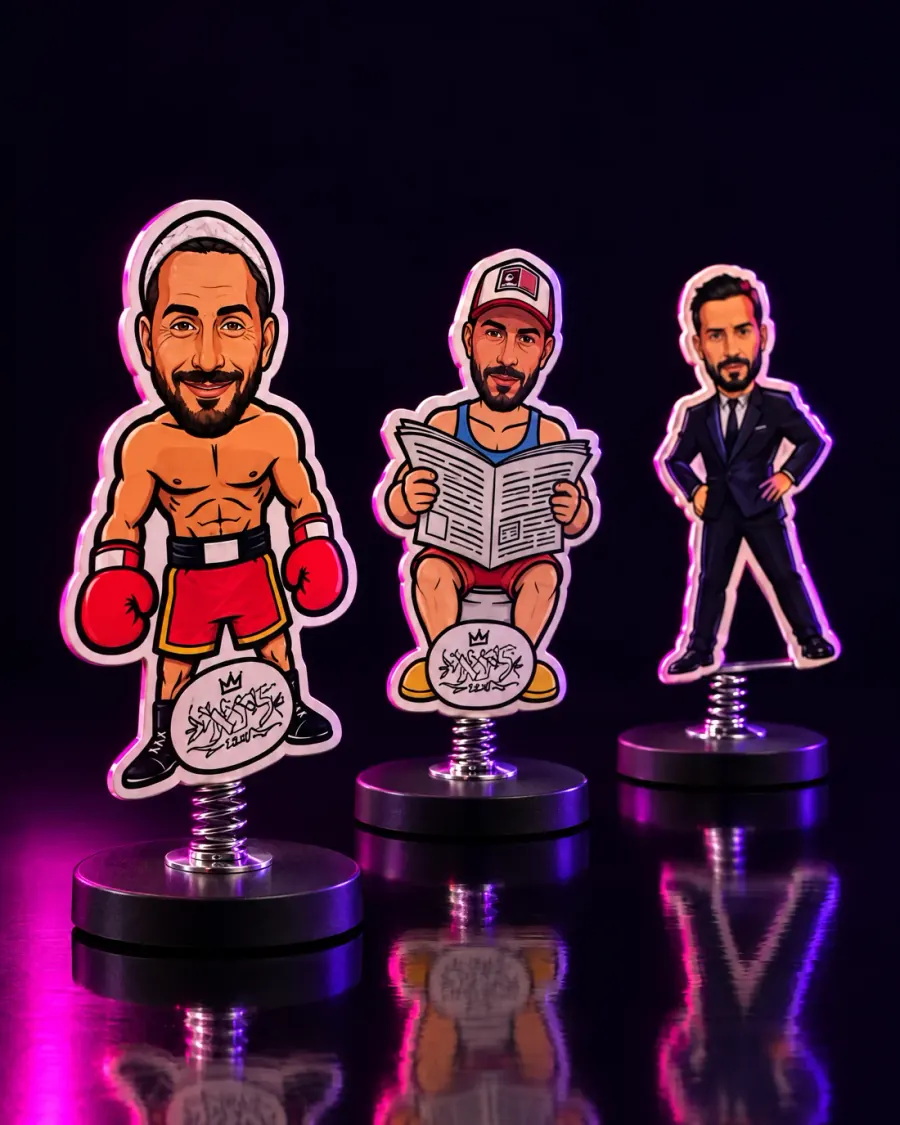
Three Popixs figures on springs, studio render
Illustrative scene
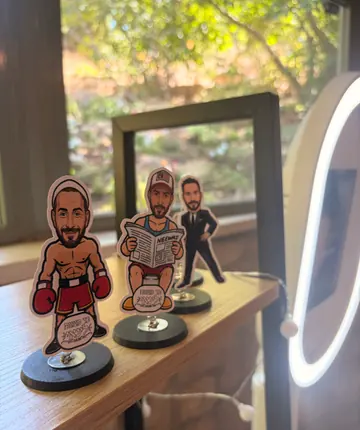
02 Popixs

A bobble figure of themselves

A figure in the guest's likeness, printed and mounted on its spring. Guests take it home, and it gets passed around all night.

Printed · upsellAll plans
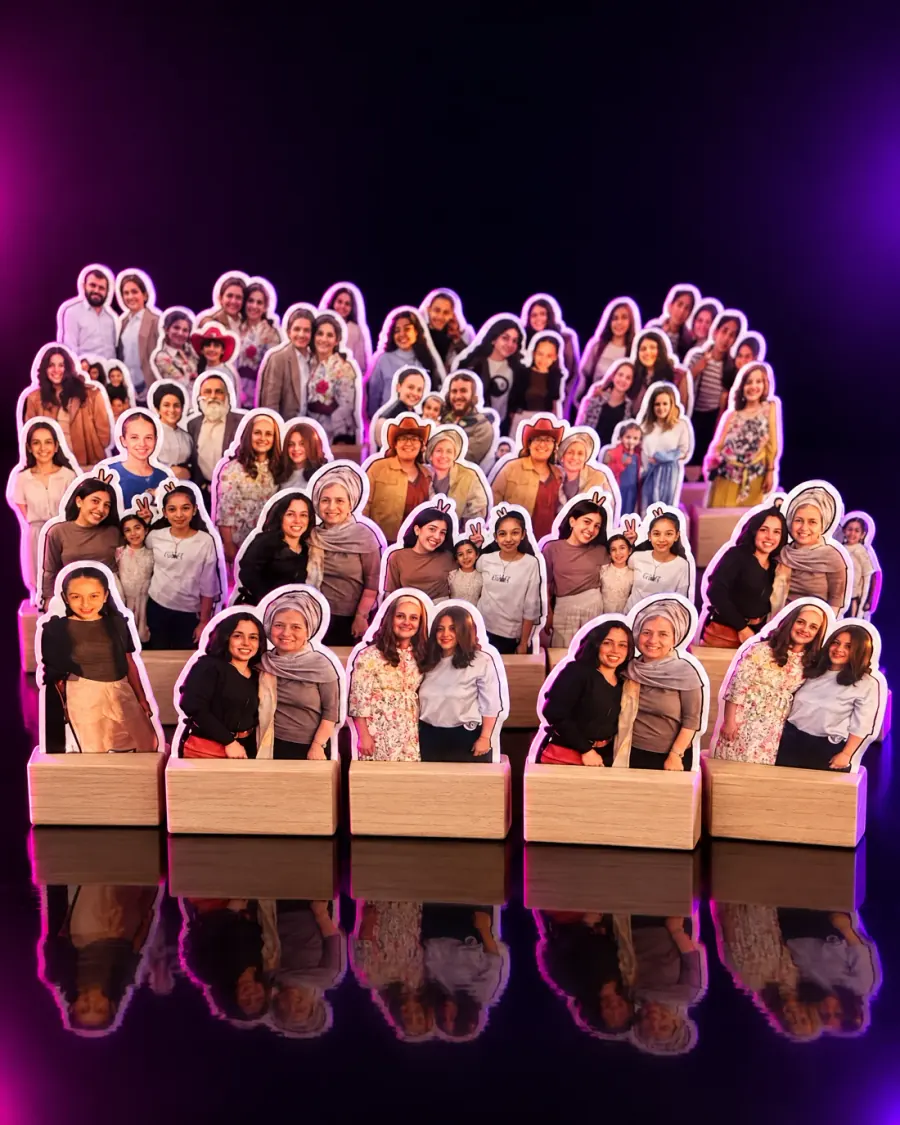
Cut-out Minipixs mini portraits on wooden stands, studio render
Illustrative scene
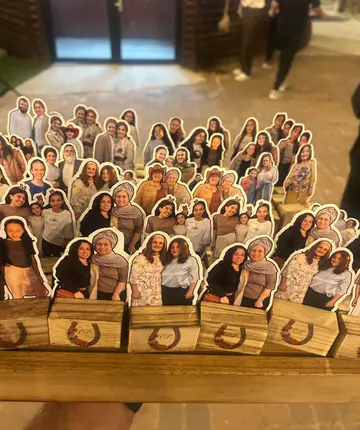
03 Minipixs

The mini portrait on a stand

A sheet of cut-out mini portraits, trimmed and set on their stands: the keepsake that stays on the desk.

Printed · upsellAll plans
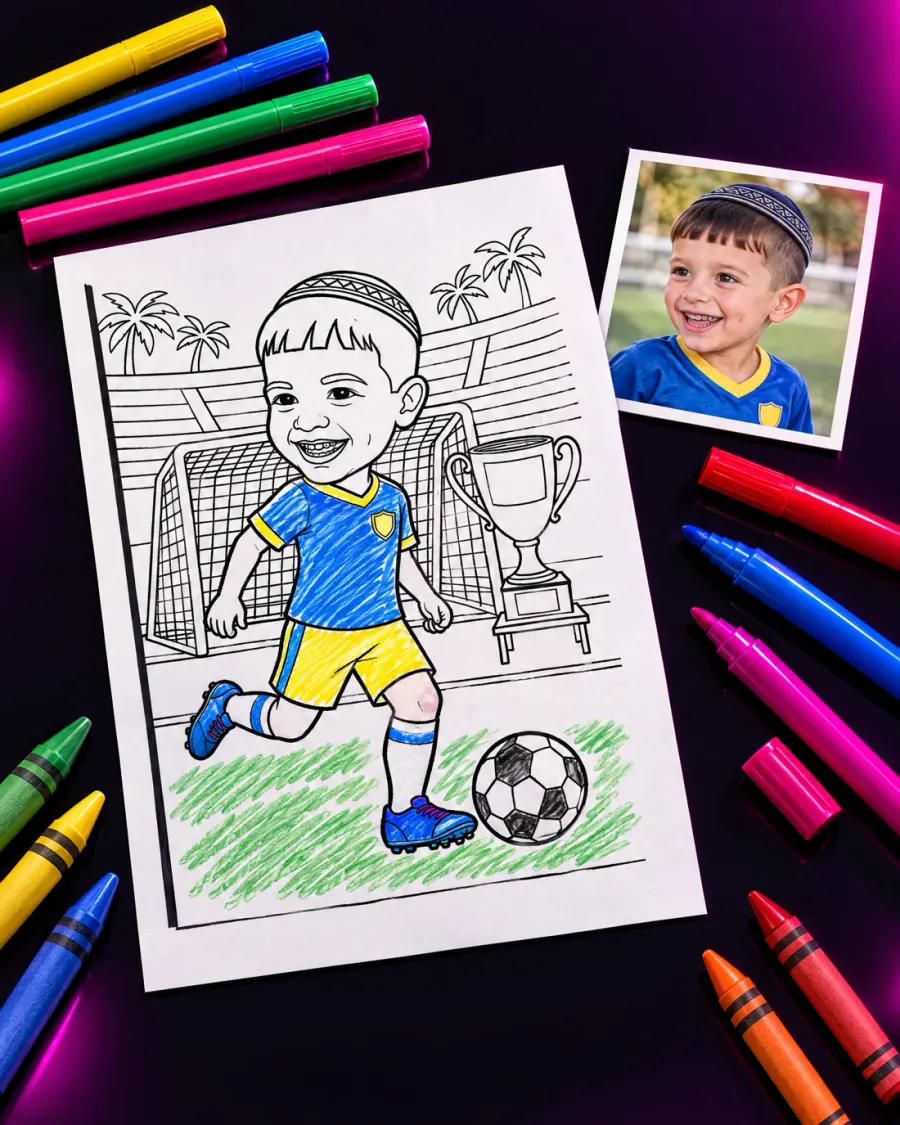
An A4 coloring page of a young footballer next to his photo and markers
Illustrative scene
04 ColorPixs

Their photo, and their coloring page

The photo print on one side, an A4 version to color in on the other: the kids' party favorite.

Printed · upsellAll plans
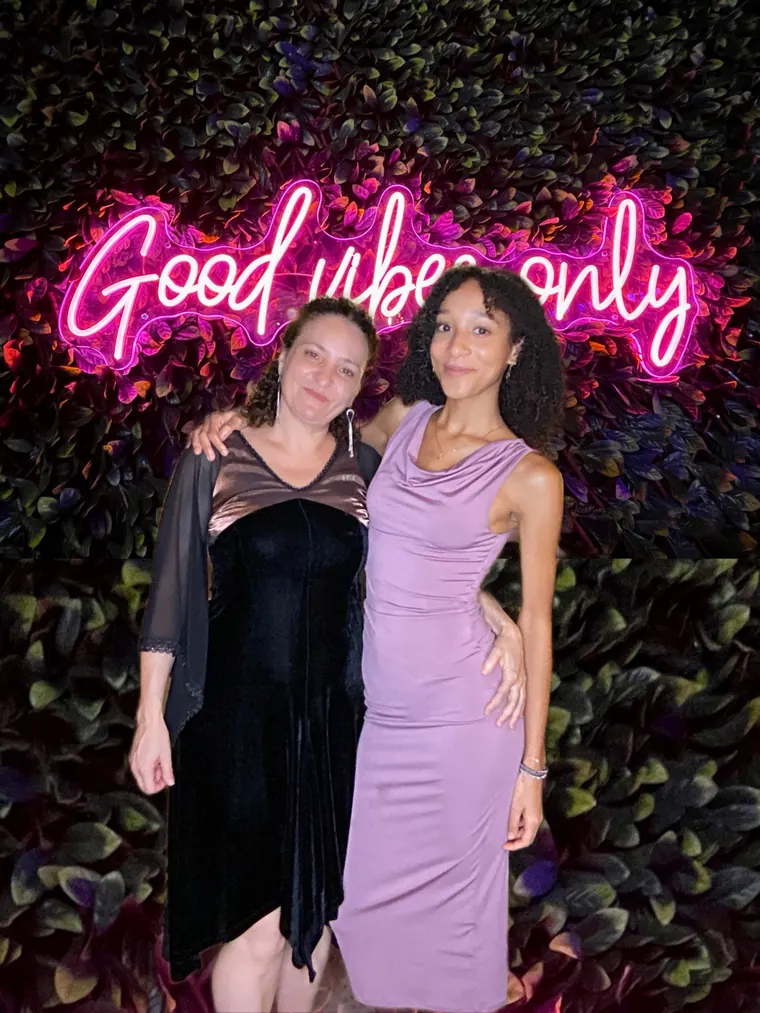
Virtual Wall creation: two guests in front of a foliage and neon backdrop
Real creations from the software
05 Virtual Wall

Any backdrop you like

Guests are cut out and placed in front of the backdrop your client chose, with the event's name and date.

All plans
Illustrative scene
06 360 Video

The video that spins

The camera circles the guests on the platform; the video is edited automatically, with the event's branding, ready to share.

All plans
Illustrative scene
07 AR Video

The photo that comes alive

While the photo is taken, the booth also films a few seconds. The print then comes alive when you point your phone at it, right in the browser.

Printed · upsellAll plans
Illustrative scene
08 Find Me

All their photos from one selfie

The guest takes a selfie: face recognition finds every one of their photos in the event gallery within seconds. The selfie is never stored.

All plans
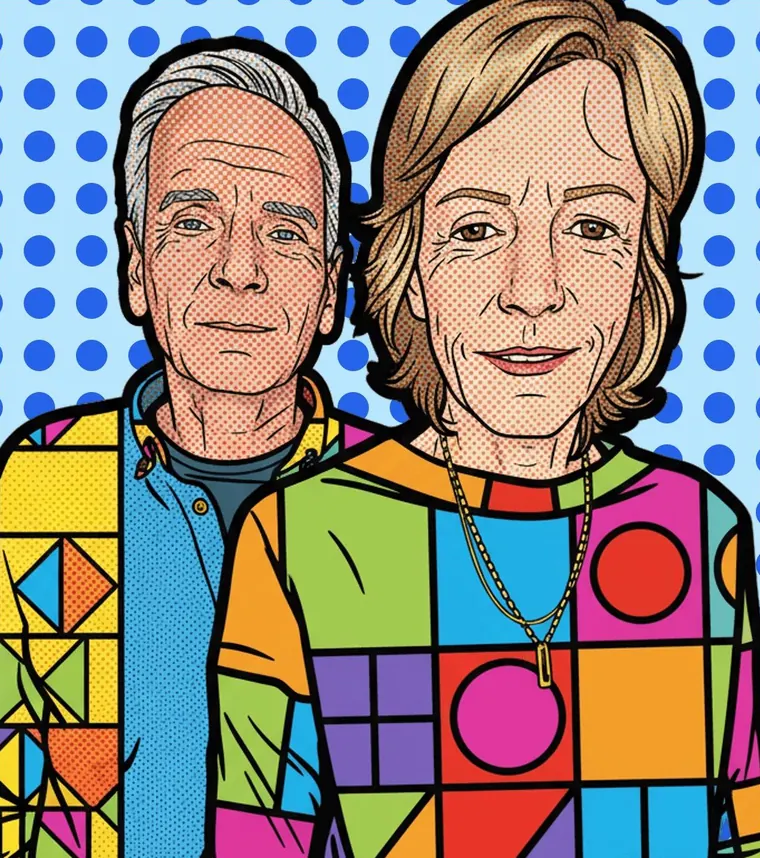
Pop-art Comics creation: a couple drawn on a blue dot background
Real creations from the software
09 Comics

They're the comic-book hero

The guest drawn in pop-art or comic-cover style, printed on the spot.

Printed · upsellAll plans
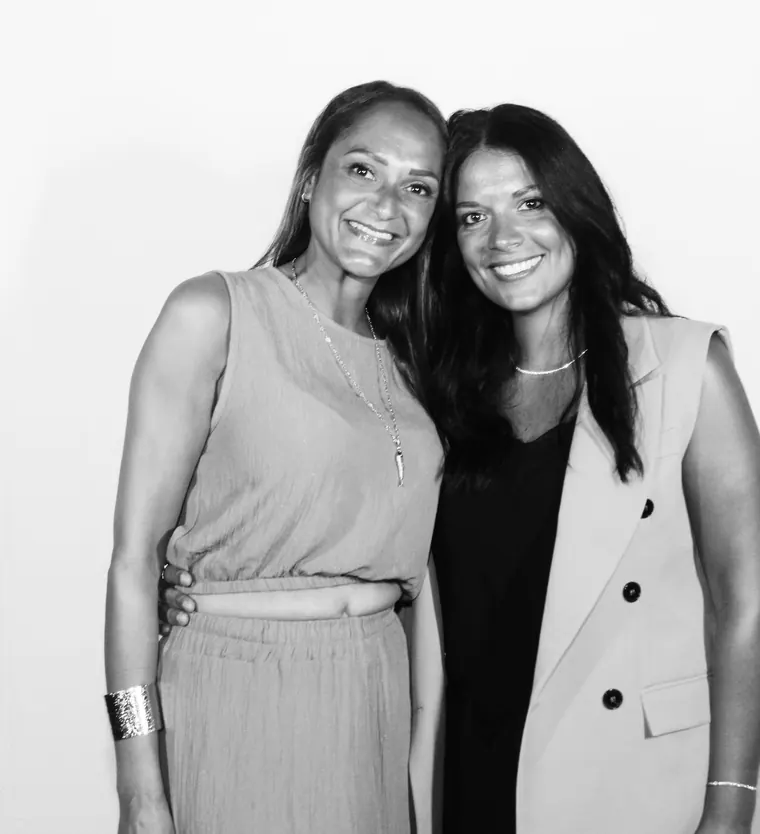
Black and white portrait of two guests, a B&W Studio creation
Real creations from the software
10 B&W Studio

The magazine-style portrait

White backdrop, studio light, black and white: the elegant portrait, printed during the party.

Printed · upsellAll plans
Printed · upsell

These experiences give guests something to take home: you can sell them on top of the booth rental.

And also

Photolive (the night's photos printed live), lenticular cards, AR Video, Selfie WiFi, a live gallery and a keepsake gallery for your client.

The party

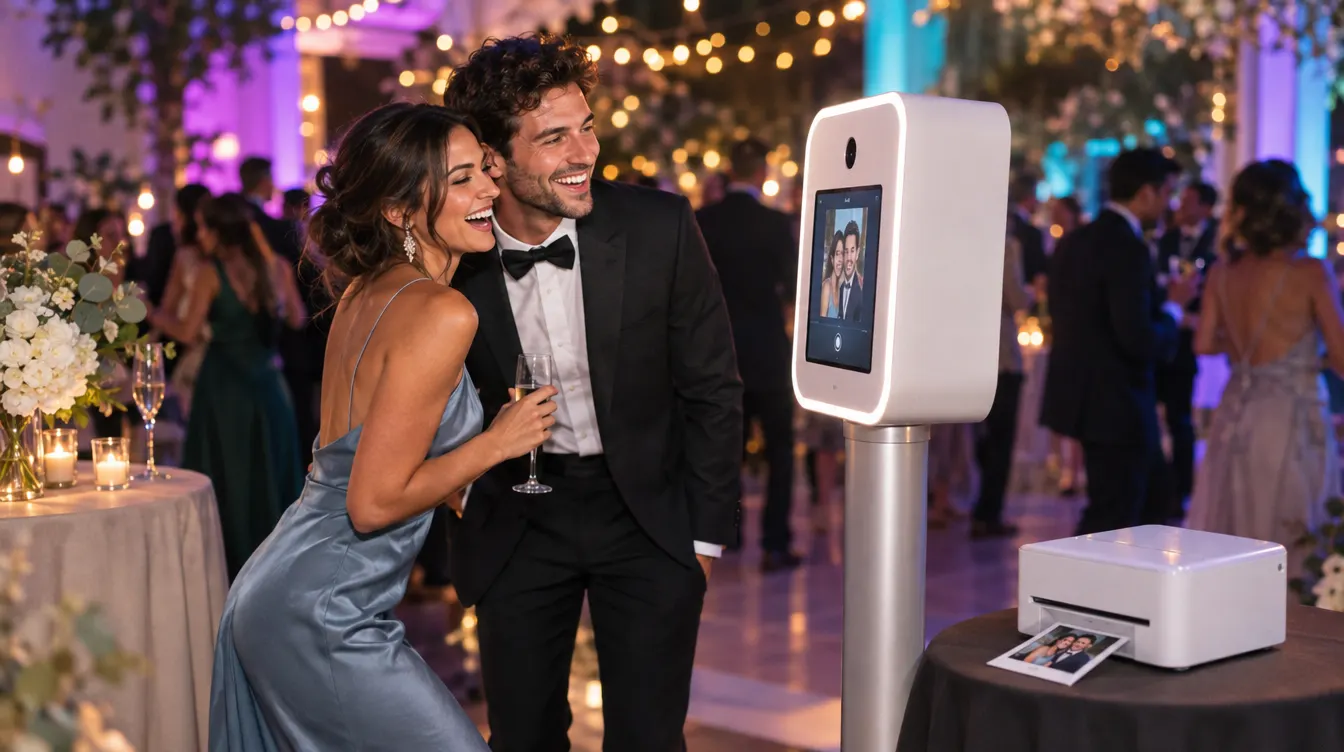
10:40 pm. The dance floor is packed.And at the booth,the line never gets shorter.

A couple poses, the AI transforms them, the print comes out on the spot. They leave with a keepsake in the event's colors — and it's your booth everyone talks about over dessert.

  • AI Cards
  • On-site printing
  • Sent by QR code

Illustrative scene

Printing

Printing, finally simple

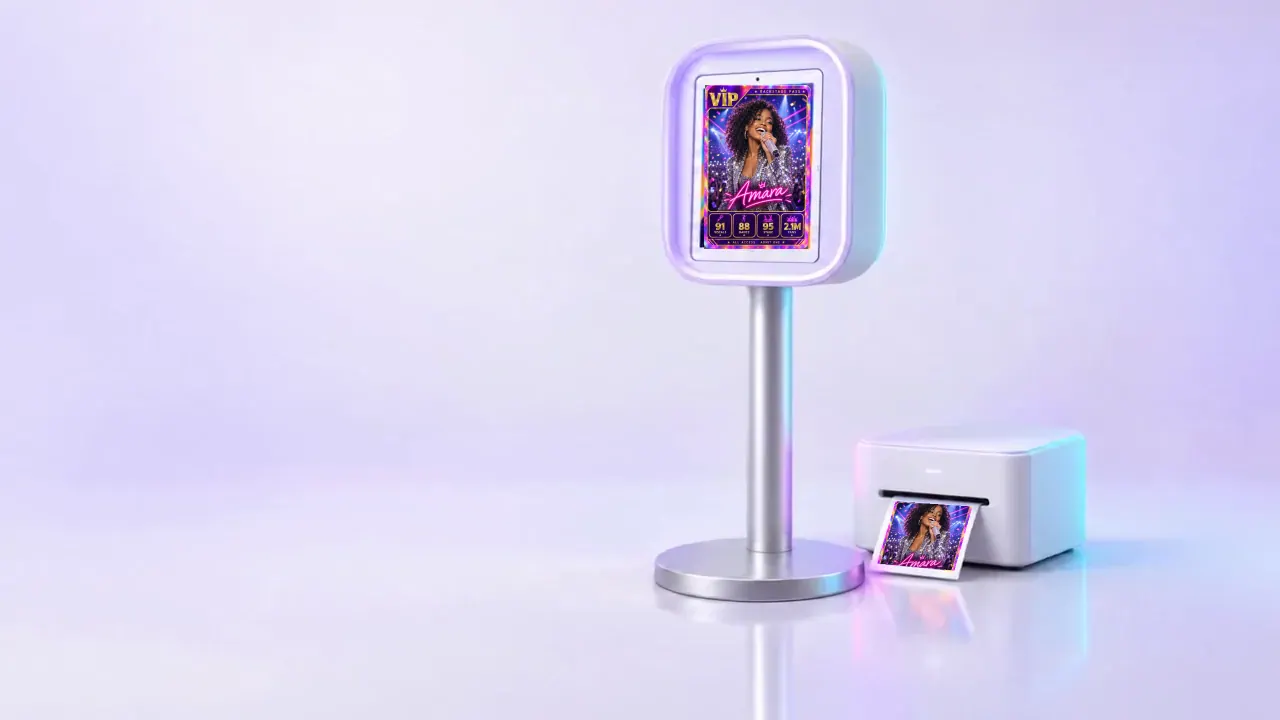
PixsBooth Print Station installs on your Mac or PC and prints every creation, with nobody touching the computer all night.

Photo printer
DNP or HiTi · 4×6 prints
A4 printer
Epson · sheets and coloring pages
At the same time
Photo on the DNP, sheet on the Epson
Computer
Mac (M1 chip or newer) or Windows 10/11
Pairing
6-digit code · "Print a test"
Network drop
A stuck print restarts on its own
See the installation guide →

PixsBooth Print Station · connected

Photo booth print of three friends in a template in the event's colors, with the chosen filter
Noa & David's wedding11.14.2026

These 9 filters already exist in Selfie WiFi; on the booth, they're coming soon.

Classic Photo Booth

The classic photo booth, with studio-grade tools

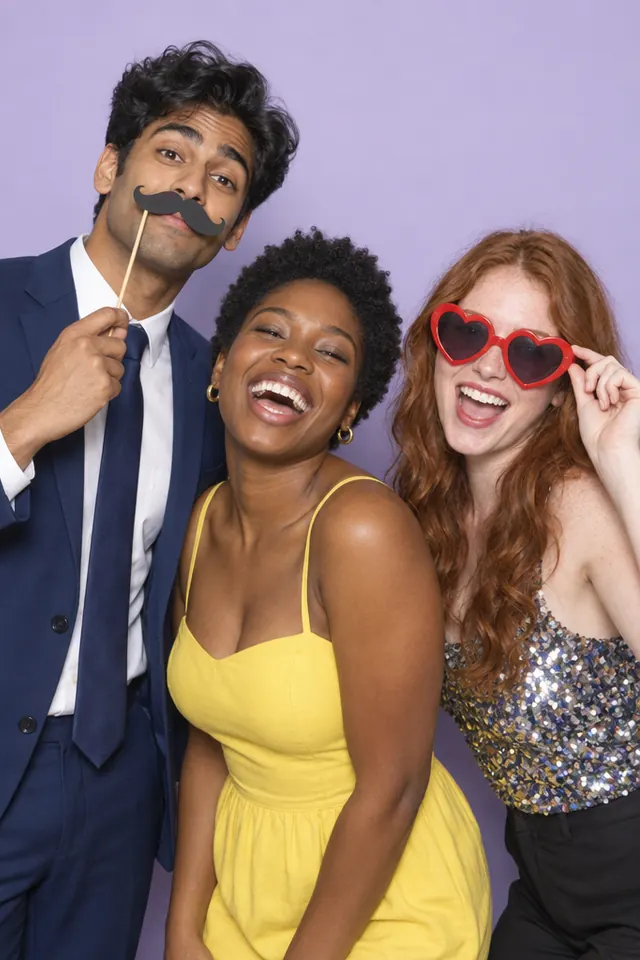
Before the AI, there's the photo. Templates in your client's colors, formats, countdowns, animations: every print comes out in the event's look. And the classic Photo Booth is unlimited, even on the free Discovery plan.

  • 48 ready-made templates8 themes × 6 formats, plus an editor to build your own in the client's colors.
  • Every formatPortrait, landscape, 3-photo strip, 4-photo grid.
  • Countdown9 styles (neon, film, pop…), 3, 5 or 10 seconds.
  • After-shot animationsFlash, polaroid, confetti, fireworks: 12 effects to choose from.
  • Virtual backdropAutomatic cut-out and a backdrop created for the event.
  • Beauty filterSoonSmoother skin and even tone, in one setting.
  • Image adjustmentsSoonBrightness, contrast and saturation, by hand.
Selfie WiFi

Guests send their selfies to the wall

No line: each guest joins the event Wi-Fi, scans the QR code and takes a selfie with their own phone. It shows up live on the big screen, and can be printed.

  1. 01They join the Wi-Fi and scan the QR code shown on the wall.
  2. 02They take a selfie (or a short video) in the browser, no app needed.
  3. 03They add a filter, a caption and stickers.
  4. 04The photo appears live on the wall, and goes to print if you turn it on.
  • An inappropriate photo? Hide it in one click from the dashboard.
  • Your frame and the event's branding are added automatically.
Why PixsBooth

Why operators switch to PixsBooth

Four reasons, and no inflated numbers: anything not yet verified is marked as such.

Profit4.4%

of your revenue: what the Pro plan costs over a month of three rentals (example).

Figurines, sheets, cards: printed experiences are billed as add-ons. Every event brings in more than the rental alone.

Run the numbers with your prices →
Customization10+

experiences on the same iPad, in the event's language.

Your frames, your client's logo and colors, the experiences picked for the night: every booth looks made for the event.

See the experiences →
Trust10 years

in the field, at weddings and bar mitzvahs, before we wrote the software.

Every experience survived real parties before it went into the software. Your data and your clients stay yours — it's in the contract.

Our commitments →
Simplicity15 min

to be ready: create the event, type a 6-digit code, print.

Nothing to install on the iPad: the booth opens in Safari. Print Station prints with nobody touching the computer.

How it works →
AI Cards

One card per guest. One theme per party.

Pop star, knight, astronaut, pirate, anime hero… The guest picks a theme, the AI keeps their real face and writes their name, and the card comes out of the printer moments later. Below: example themes with fictional faces, plus two cards straight out of the software.

  • Pop Star

Pop Star 01 / 18

The VIP pass: on stage, their name in neon.

Example · fictional face
Tested at our own events

Born at real events, not in an office

Weddings, bar and bat mitzvahs, corporate parties: every PixsBooth experience ran at our own events first, with real guests, real lines and real printers running hot. If it couldn't last a full night, it didn't make it into the software.

  • Popixs figures on their springs, next to the booth
  • Minipixs on their wooden stands at the end of the night
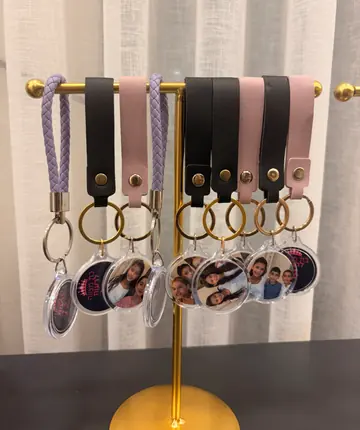
  • Photo keychains ready to take home
  • Two Virtual Wall prints in guests' hands
10 yearsof live events before the software
10+experiences on the same iPad
3languages, including right-to-left Hebrew
How it works

Ready for your next event in 15 minutes

STEP 01

Create the event

Name, date, client logo, colors and experiences: everything is set from the dashboard. Or start from a past event.

STEP 02

Connect the booth

On the iPad, then on the computer plugged into the printer, type the 6-digit code shown in the dashboard. Nothing to install on the iPad: the booth opens in Safari.

STEP 03

Guests create

They take their photo, leave with their print and get the file by QR code, text message or email. Their contact details land in your account, and only yours.

Works with

The gear you already own

No proprietary booth to buy: PixsBooth runs on an iPad and prints on the photo printers the trade already uses.

iPadThe booth, in Safari
MacPrint Station · M1 chip or newer
Windows 10 / 11Print Station
DNPPhoto printers
HiTiPhoto printers
Epson A4Sheets and coloring pages
360 platformVideo edited automatically
QR, text, emailDelivered to their phone
DSLRSoonCamera
The math

Pays for itself at the first event of the month

Run the numbers with your own prices. Example: Pro plan, three events a month.

Plan
Revenue for the month$3,600

Your month, in numbers

3 AI photo booth rentals≈ $3,000
Printed add-ons sold on top (figurines, sheets…)+ $600
PixsBooth Pro subscription− $159
4.4%The subscription is this share of your revenue.

Illustrative example. Adjust it to your own rental price; you set the price of printed add-ons.

Compare plans →
Pricing

All included. No surprises.

The app, every experience in your plan, the AI and printing are included. One creation = one result delivered to a guest.

Just one event?

Start with the Event Pass

150 creations to use within 7 days, no subscription. Perfect for trying an experience at a real event before you commit.

$39one-time, excl. tax
149 ₪ incl. VAT in IsraelGet a Pass
FOUNDER OFFER30% off for life for the first 30 subscribers, with the code FONDATEUR

Essential

To get started

$69/ month
  • 250 creations a month
  • 1 booth iPad
  • All attractions
  • Print Station
Try 14 days free

Pro

For busy pros

$159/ month
  • 700 creations a month
  • 3 booth iPads
  • Every experience
  • 2 printers at once
  • Find Me, guest contacts, SMS
Try 14 days free

Studio

For agencies

$349/ month
  • 1,600 creations a month
  • Unlimited iPads
  • Everything in Pro
  • Your brand instead of PixsBooth (coming soon)
  • Dedicated support
Try 14 days free
14-day trial, 100 AI creations, no credit cardTop-up: 100 creations for $29Cancel anytimeFree Discovery plan: unlimited classic Photo Booth
See full plan details →
Trust

Your data and your clients belong to you

You trust us with your events, your guests and your clients. Here is what we commit to, in writing, in our Terms of Service.

Straight question

“Who can see my clients and my guests?”

Only you. Our business depends on you staying subscribed for years, not on taking a client from you. These commitments are in the contract: if we broke them, you could cancel and hold us to account.

01

Every account is walled off, and we test it.

No other account can see or change your events, photos, contacts or prints. Before every release, an automated check blocks any access that doesn't identify your account.

02

Your guests' contacts stay with you.

The phone numbers and emails your guests leave show up only in your account, and you can export them anytime. We will never contact your guests or your clients.

03

No commercial use of your events.

Your clients' names, your dates, venues and prices are used only to run your booth.

04

Your guests' photos serve your event only.

Never sold, never used in our advertising, never used to train AI models without your written consent. Delete an event and everything goes with it.

Support

A real team, on WhatsApp, in your language

A question about a setting, a printer acting up before doors open? You're writing to people who run events themselves, in Hebrew, French or English.

  • WhatsApp and email, in Hebrew, French and English.
  • A video-call demo of your first event, by appointment.
  • Public help center: step-by-step guides and 56 Q&As.
  • Support Sunday to Thursday, 9 am to 6 pm (Israel time)
What is a “creation”?

One result delivered to a guest: a card, an AI photo, a figurine, a coloring page or a video, however many AI steps it takes. The classic Photo Booth and test-mode runs don't count.

What if I run out mid-event?

The booth doesn't stop dead: a 10% margin (at least 25 creations) stays available to finish the night and is deducted next month. You can also add 100 creations in one tap from your phone.

I only have one event. Do I need a subscription?

No. The Event Pass gives you 150 creations for $39, to use within 7 days, no subscription. You can move to a monthly plan afterwards if you like.

What equipment do I need?

An iPad for the booth. To print, a Mac (M1 chip or newer) or a Windows 10/11 PC connected to your DNP, HiTi or Epson printer. Most operators already have everything.

Is it available in Hebrew?

Yes. The booth, the gallery, the dashboard and the Print Station come in Hebrew, French and English. Each event picks its language, even mid-party.

Are my clients and guests safe?

Yes. Your account is walled off and tested, your guests' contacts are visible only to you, and our Terms of Service forbid us from using your events or approaching your clients.

Are my guests' photos used to train AI?

No, unless you agree in writing. They're never sold or used in our advertising, and you can delete them anytime along with the event.

What happens after the 14-day trial?

Nothing is charged: there's no card on file. Your account moves to the free Discovery plan: the classic Photo Booth stays unlimited on one iPad, your events and settings stay put, and AI experiences wait for a plan.

Can I stop whenever I want?

Yes. Change plans or cancel in one click from your dashboard; cancellation takes effect at the end of the paid month.

Your next booth, ready tonight.

Create your account, launch a test event and print your first creation in fifteen minutes.

No credit card100 free AI creationsFounder offer, 30% off for life